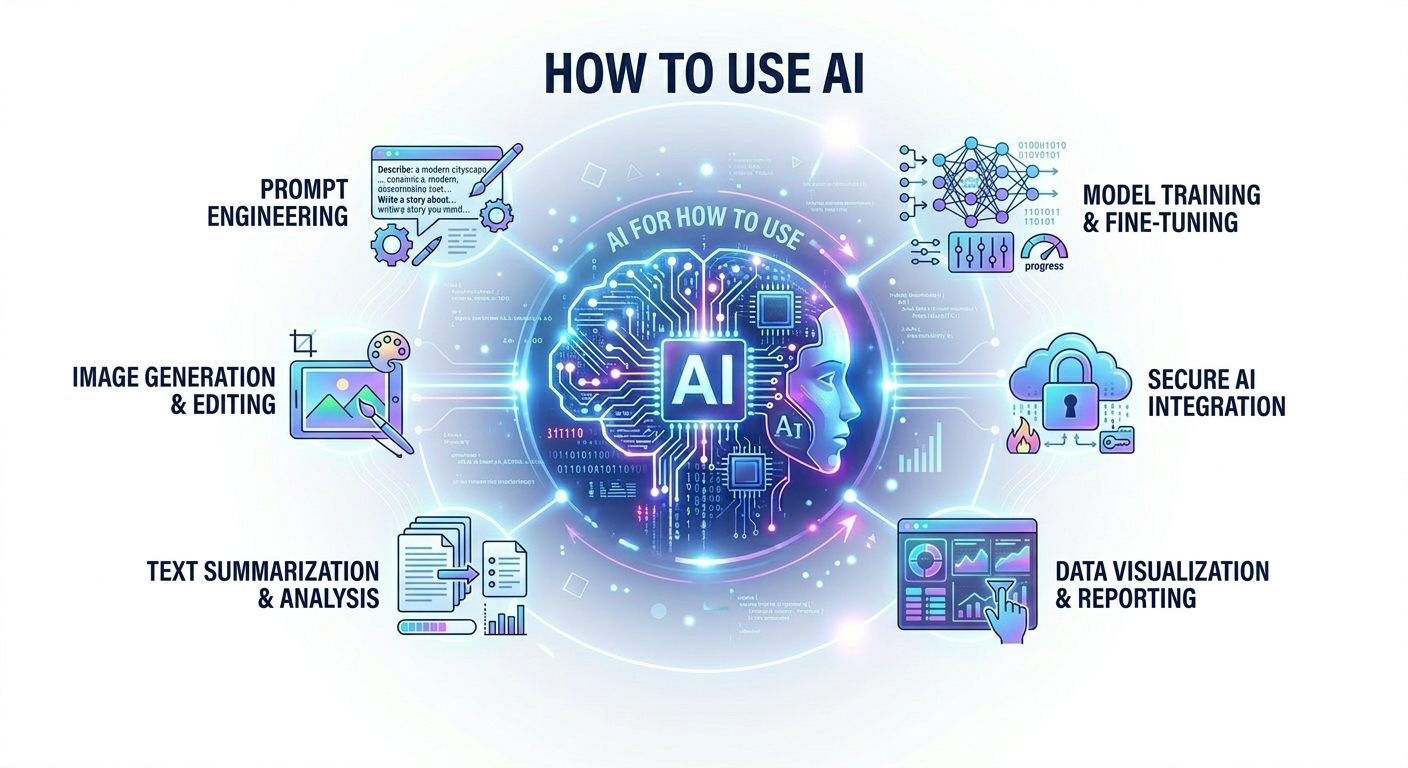
Credit Source: ChatGPT Credit Image Source: ChatGPT 👇
1. Choose an AI Tool
Different AI tools are designed for different tasks.
Examples:
- ChatGPT – Writing, coding, research, problem solving
- Midjourney – Create AI images and art
- Canva – AI design, presentations, graphics
- GitHub Copilot – Helps write code
- Grammarly – Grammar and writing improvement
2. Give AI a Clear Prompt
AI works best when you give clear instructions (called prompts).
Example prompts:
- “Write a professional website description for web maintenance services.”
- “Create HTML and CSS for a modern business website.”
- “Explain AI for web design in simple terms.”
- “Generate SEO content for a technology blog.”
The clearer your request, the better the result.
3. Edit and Improve the Results
AI gives you a starting point, but you should always:
- Review the content
- Edit it for your needs
- Improve the design or text
AI helps you work faster, but human judgment is still important.
4. Common Ways People Use AI
✍ Content Creation
- Blog posts
- Website content
- Social media posts
- Marketing copy
💻 Programming
- Generate code
- Fix bugs
- Build websites
- Learn programming
🎨 Design
- Logos
- Images
- Website layouts
- Presentations
📊 Business & Productivity
- Data analysis
- Customer support chatbots
- Email writing
- Automation tasks
5. Example: Using AI for a Website
If you’re building a website, you could ask:
- “Create a homepage layout for a nail salon website.”
- “Write SEO content for web maintenance and security services.”
- “Generate HTML/CSS code for a modern landing page.”
AI can help you design, write content, and generate code much faster.